In the digital world, every business wants to stand out on Google. But how can search engines really understand your website?
That’s where Schema Markup comes in.
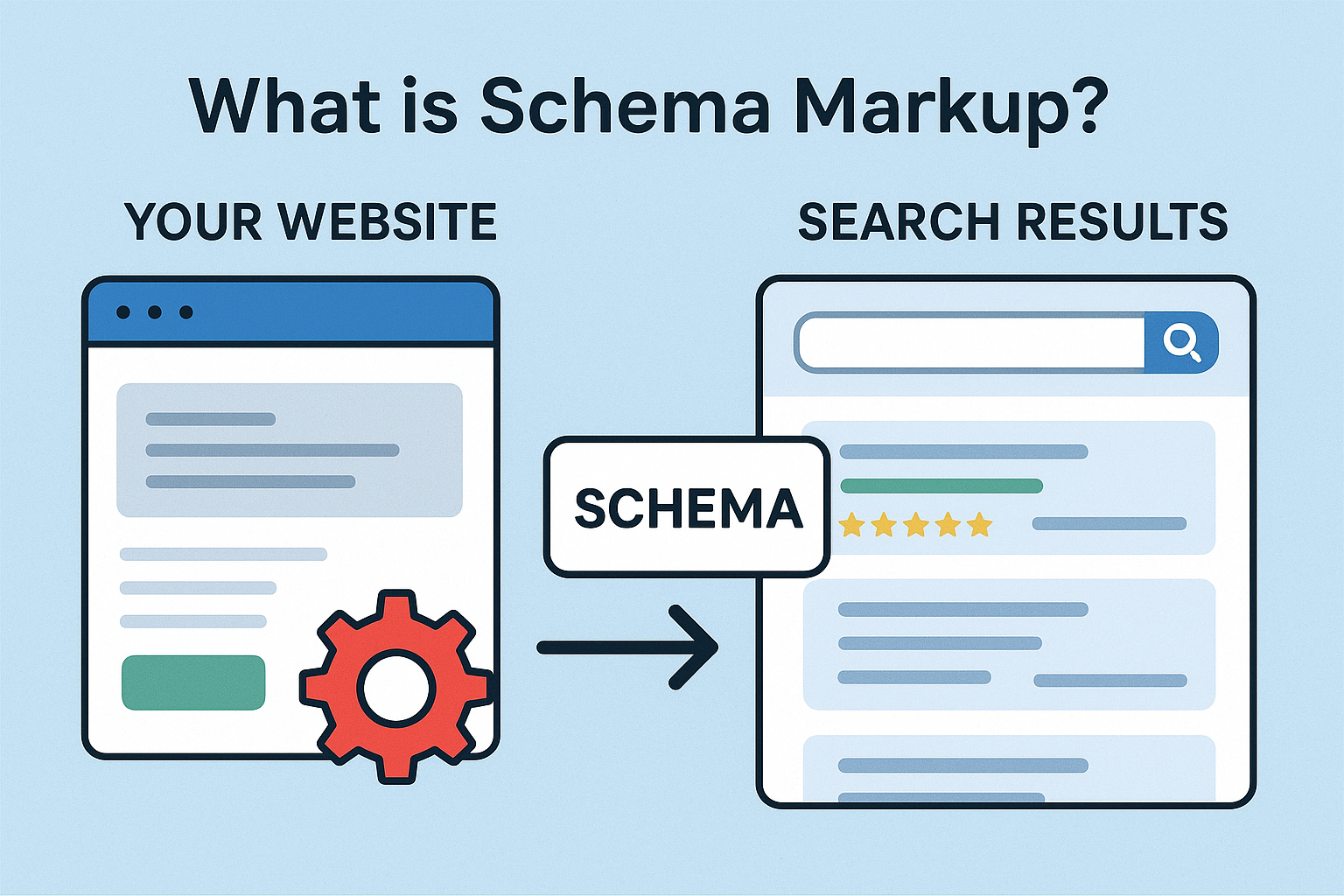
What is Schema Markup?
Schema markup (also called structured data) is a type of code you add to your website to help search engines understand your content better.
Think of it as giving Google a dictionary that explains what your content means—not just what it says.
For example:
If your website mentions “Apple,” schema markup helps Google know whether you mean the fruit or the tech company.
Why is Schema Important?
Schema helps improve how your pages appear in search results. With it, your website can show rich results like:
- ⭐ Product ratings and reviews
- 📅 Event dates
- 👩🏫 Course details
- 🏠 Business information
- 📦 Product availability and price
These rich results make your listing more attractive and increase your click-through rate (CTR).
Types of Schema Markup
Here are some common types of schema you can use:
- Organization Schema – For company details, logo, and contact info
- Local Business Schema – For physical business locations
- Product Schema – For product price, brand, and ratings
- Article Schema – For blogs and news articles
- FAQ Schema – For frequently asked questions
- Event Schema – For upcoming events
- Person Schema – For personal portfolios or profiles
How to Add Schema Markup
You can add schema markup in different ways:
- Manually: Insert JSON-LD code in your webpage’s HTML
- Using Tools: Google’s Structured Data Markup Helper or WordPress plugins like Yoast SEO or Rank Math
- Through Google Tag Manager: Add schema as custom HTML tags for easier management
Example of JSON-LD Schema
<script type="application/ld+json">
{
  "@context": "https://schema.org",
  "@type": "Organization",
  "name": "Global EduPolice",
  "url": "https://globaledupolice.com",
  "logo": "https://globaledupolice.com/logo.png",
  "sameAs": [
    "https://www.facebook.com/globaledupolice",
    "https://www.instagram.com/globaledupolice"
  ]
}
</script>
How to Test Schema
After adding schema, you can test it using:
Final Thoughts
Schema markup doesn’t directly change your rankings—but it enhances visibility, improves CTR, and helps search engines better understand your content.
If you want your website to look professional and trustworthy in Google results, schema markup is a must!
Keywords: Schema Markup, Structured Data, SEO Optimization, Rich Snippets, Google Schema
About the Author